
Odoo integration with Shipday
Odoo Integration with Shipday
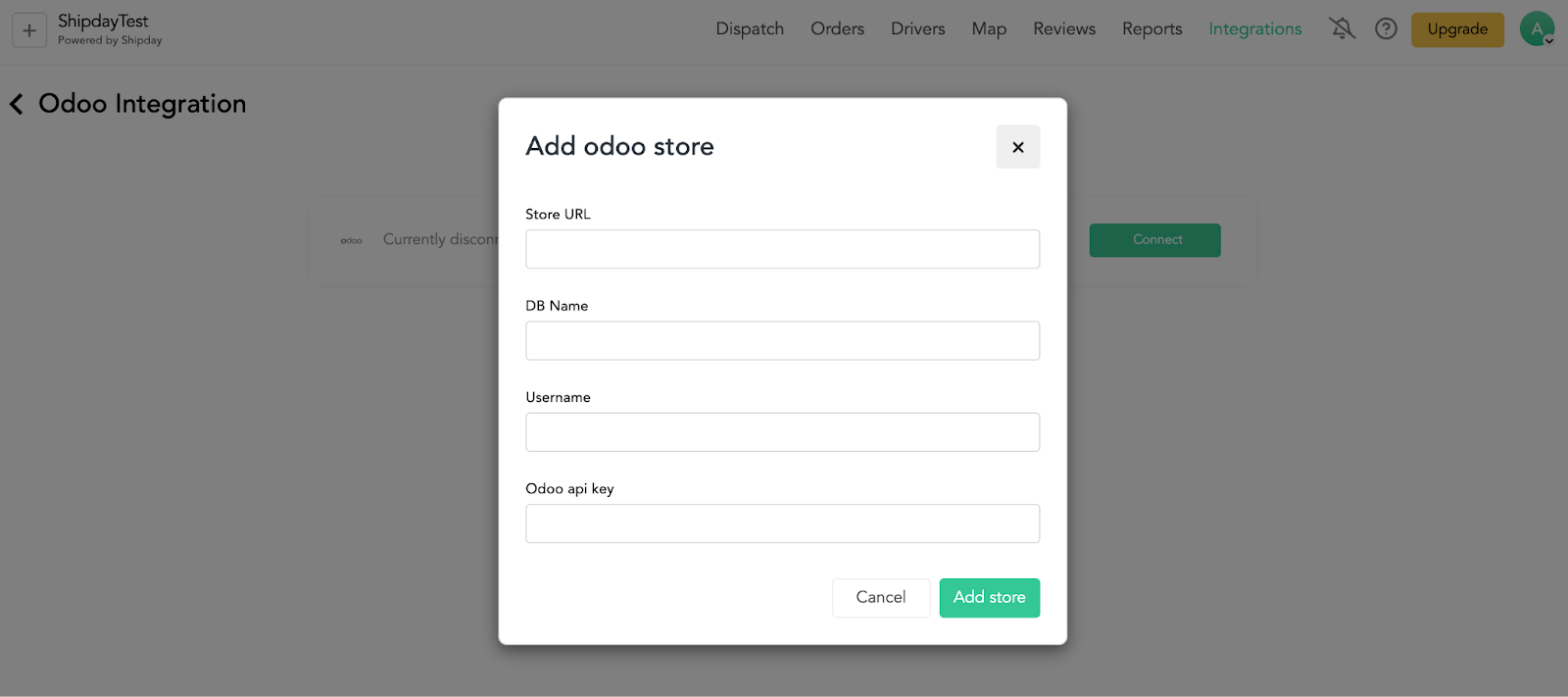
We need 4 information from your Odoo account to integrate with Shipday
-
Odoo store url
-
Login username
-
Generated Api Key
-
Database name
-
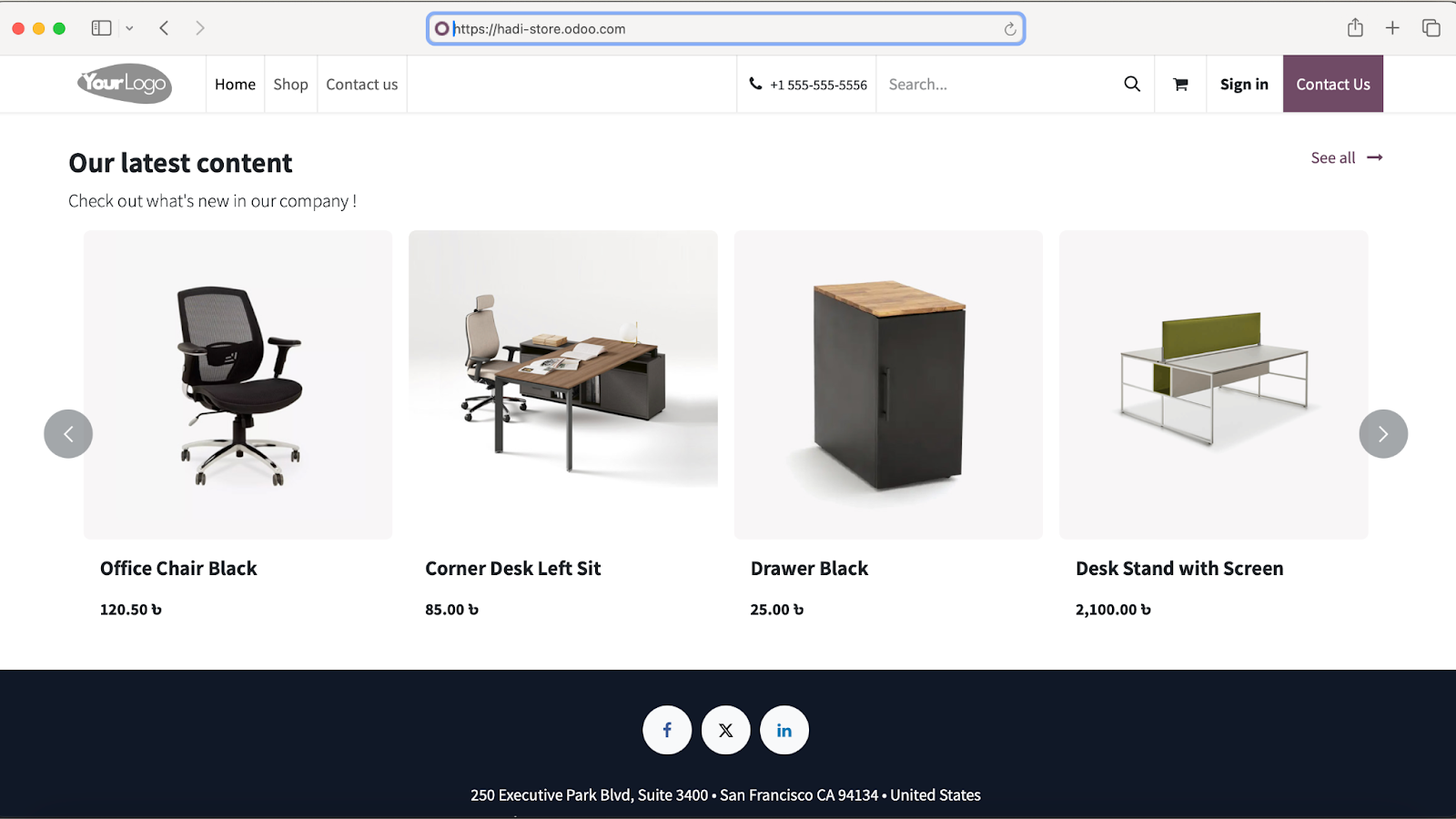
Odoo Store Url
Provide the base url of your store (like https://my-store.odoo.com). Note that your store url will not contain /shop or other suffix.
Example Valid base url : https://my-store.odoo.com
Example Invalid url: https://my-store.odoo.com/shop
- Username
The username (email) that you use to login your odoo account

- Api Key
Click on the profile image icon at the right-top corner and select Preferences or My Profile from the pop up menu depending on your Odoo version.
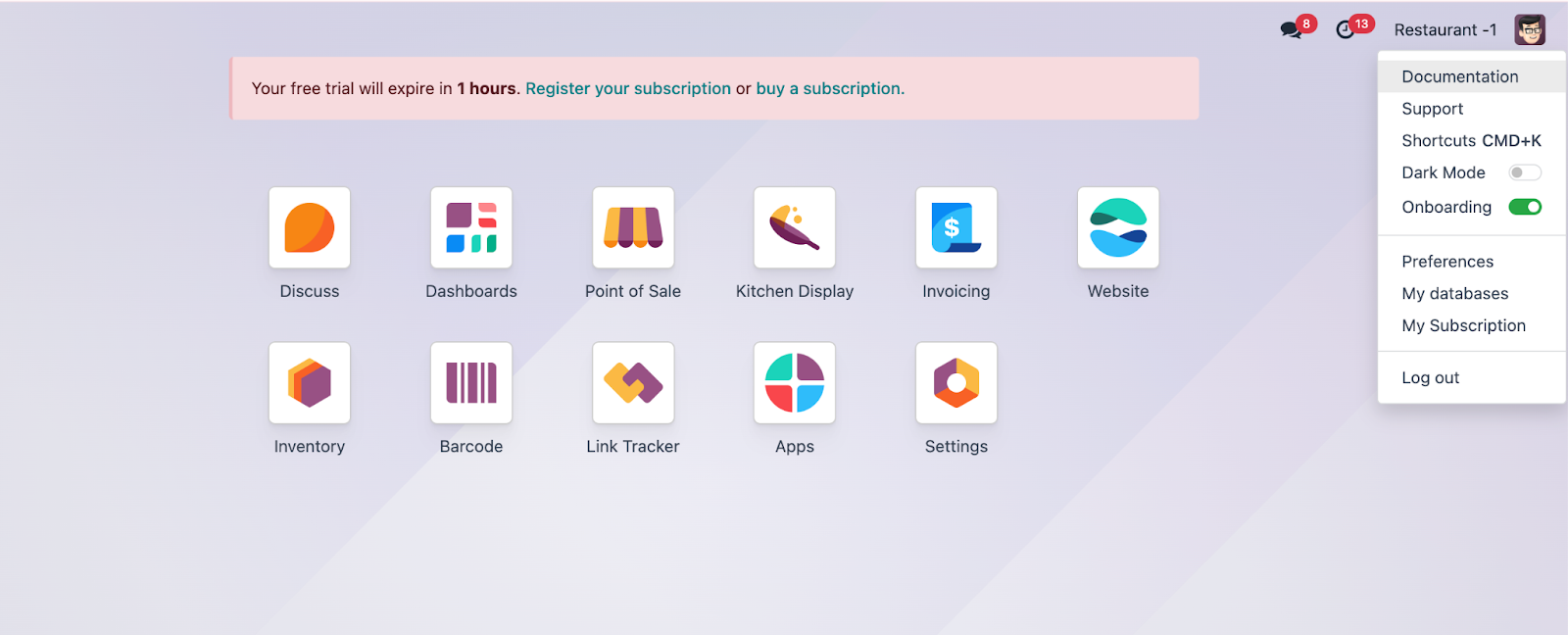
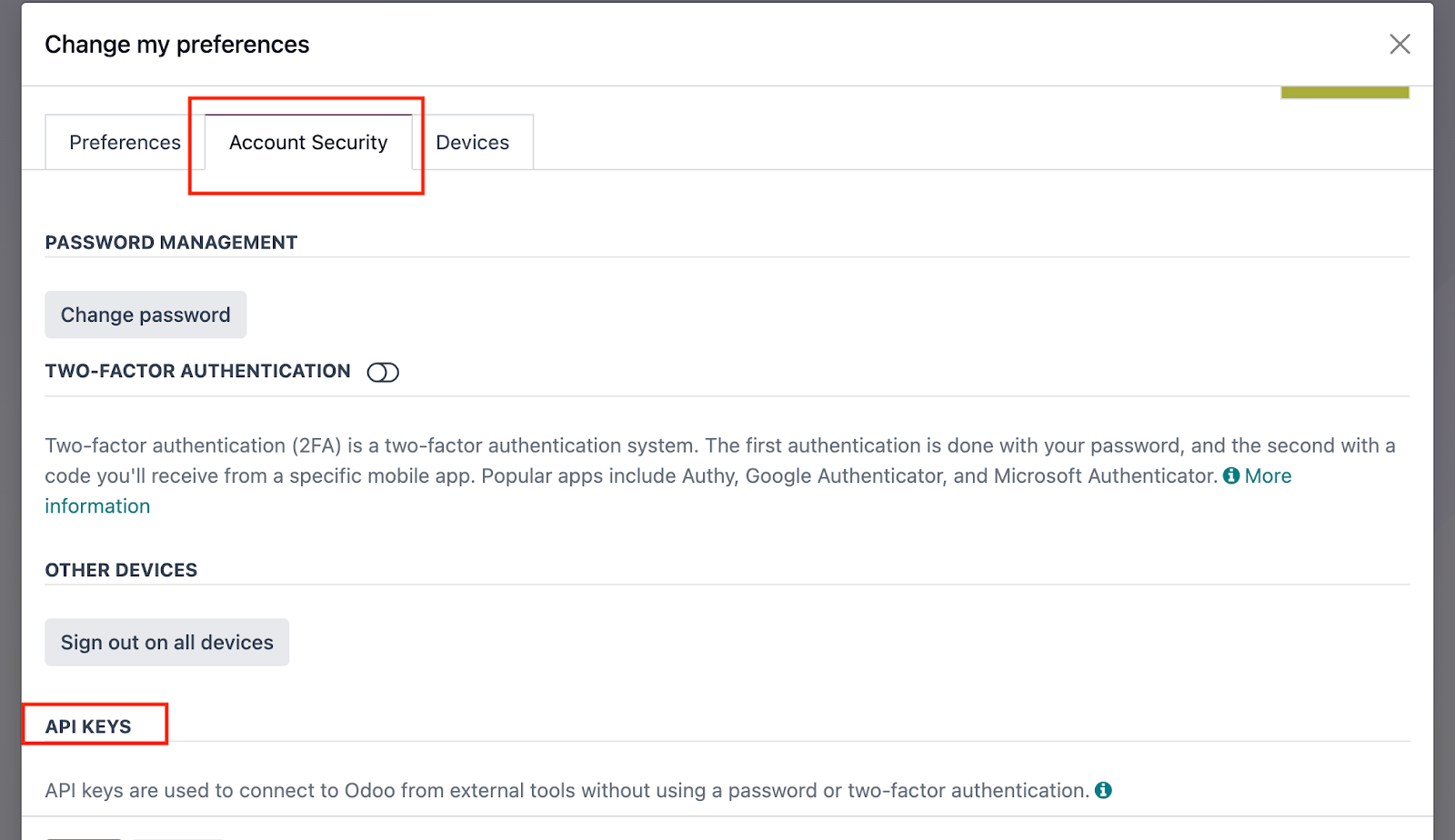
Then go to Account Security tab and click on New Api Key button under API KEYS section
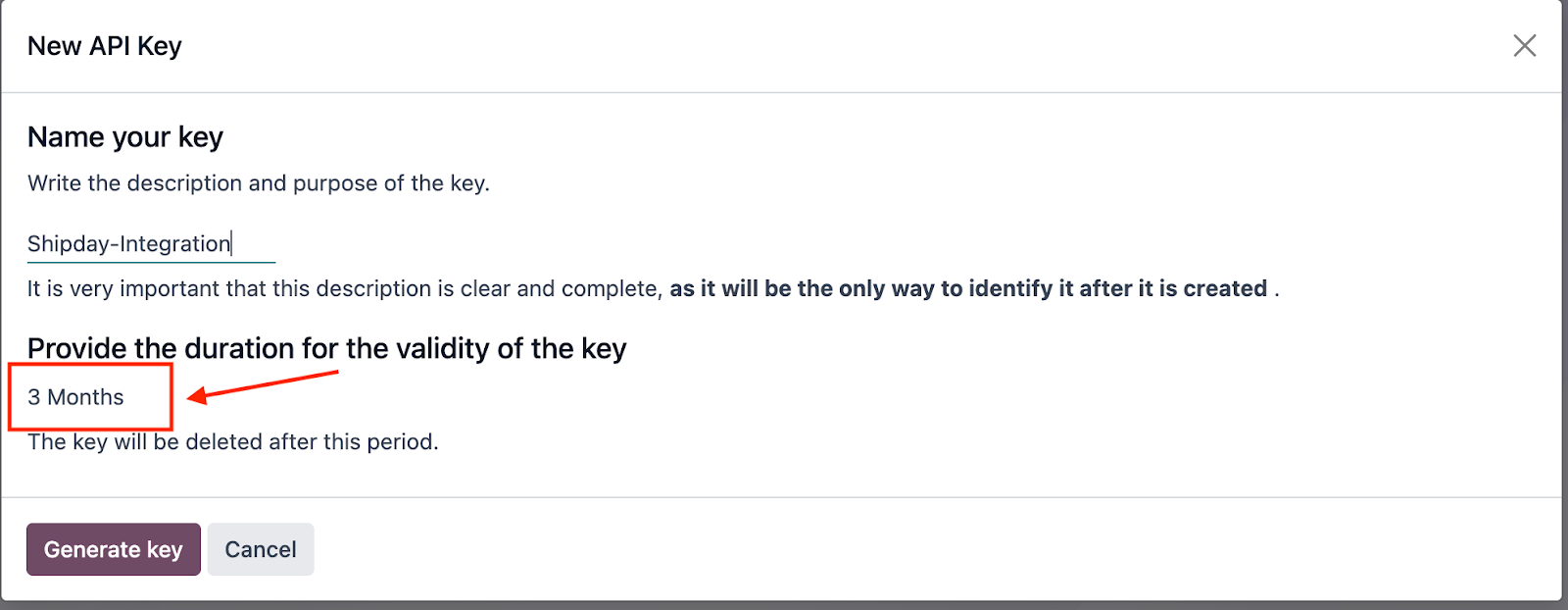
Give a name of the key and select validity duration from dropdown. If your odoo version supports persistent-key then choose that. Otherwise select the maximum date.
[Note that if your odoo version supports key validity to maximum 3 months, then after every 3 months before the key expires, you need to generate api key again and from your Shipday account connect with odoo with the new key again]
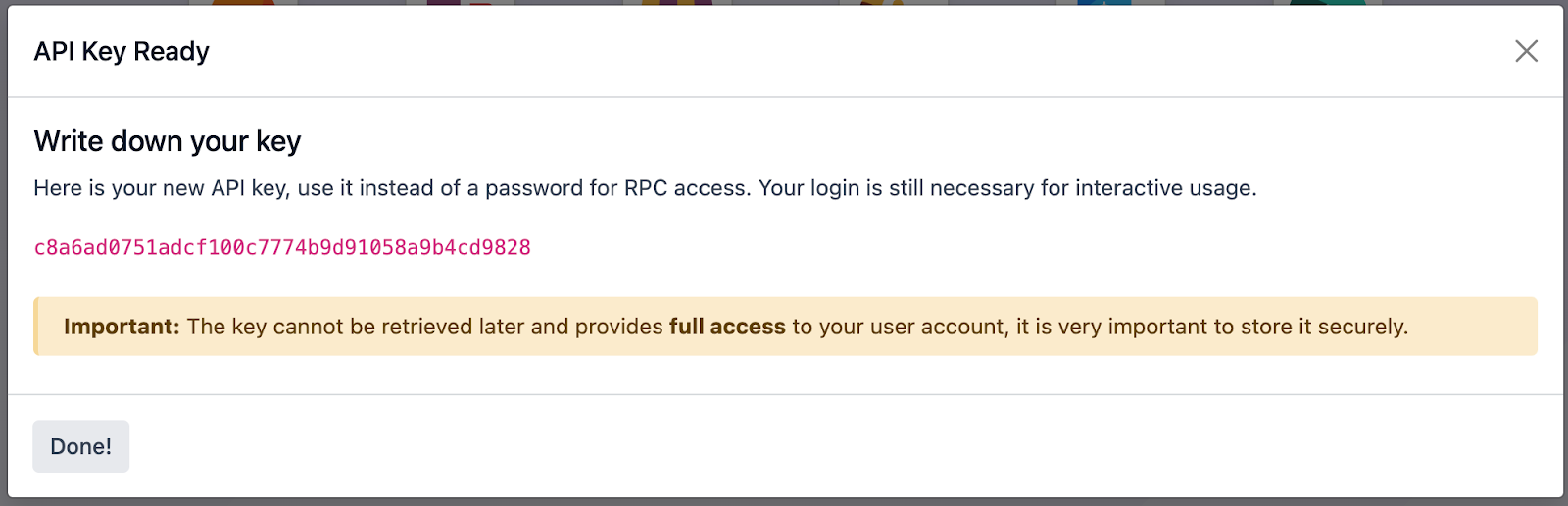
Once the key is generated copy and store it as once you close the modal, you will not be able to see it again
- Database Name
Database is usually the prefix of your store url (with odoo subdomain). If your store url is https://tiendavirtual.odoo.com/ then most probably your database will be tiendavirtual . but to be sure follow below steps -
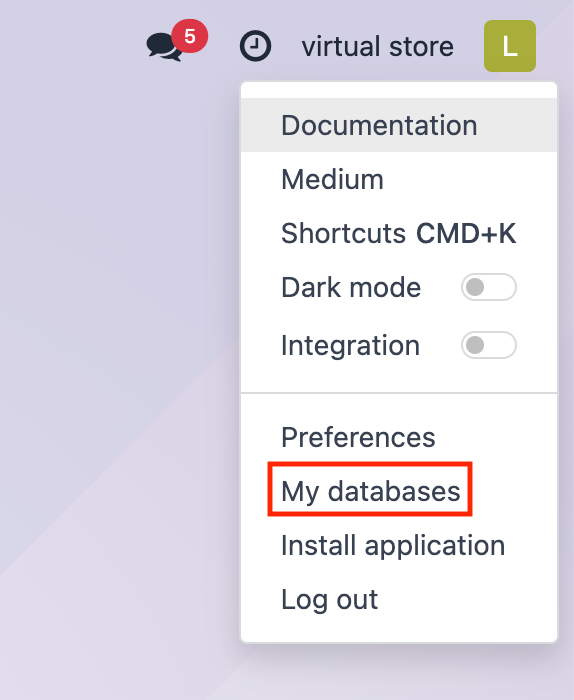
Option 1: Click on profile image icon at the right top corner and select My Databases
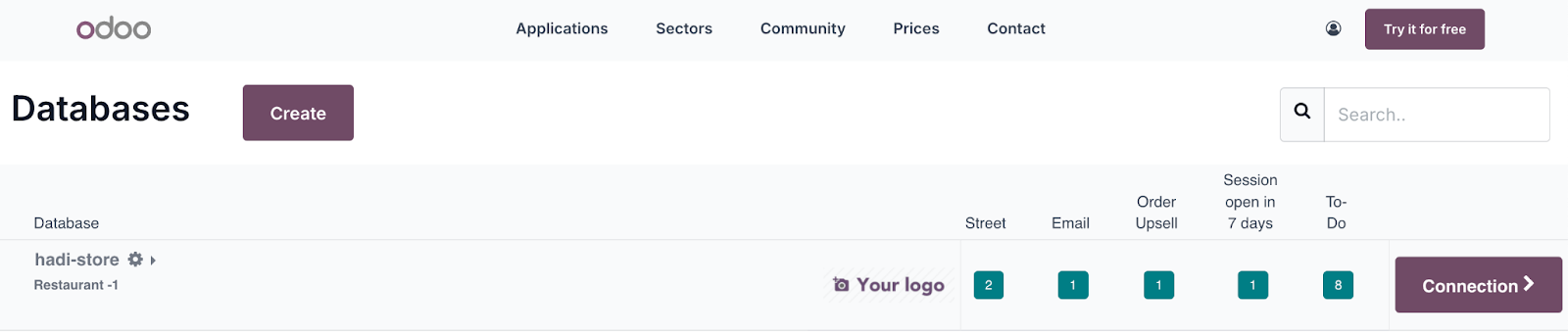
It will display the database list (hadi-store in the following image). Sometimes this list may be empty if you don’t have database activity over a time. In that case follow option 2.
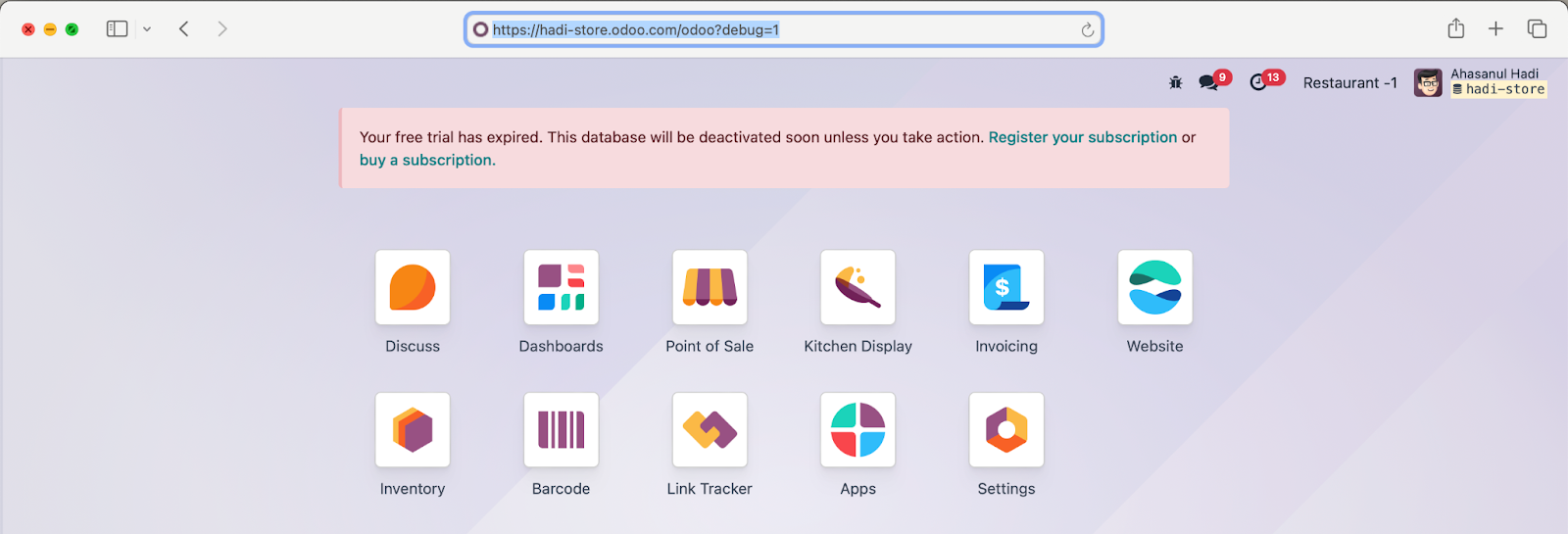
Option 2: First, log in to your Odoo store in your browser. Then add ?debug=1 to the end of the current URL and press Enter. Database name will show at the top right corner below your name with a database icon.
Connect with Shipday:
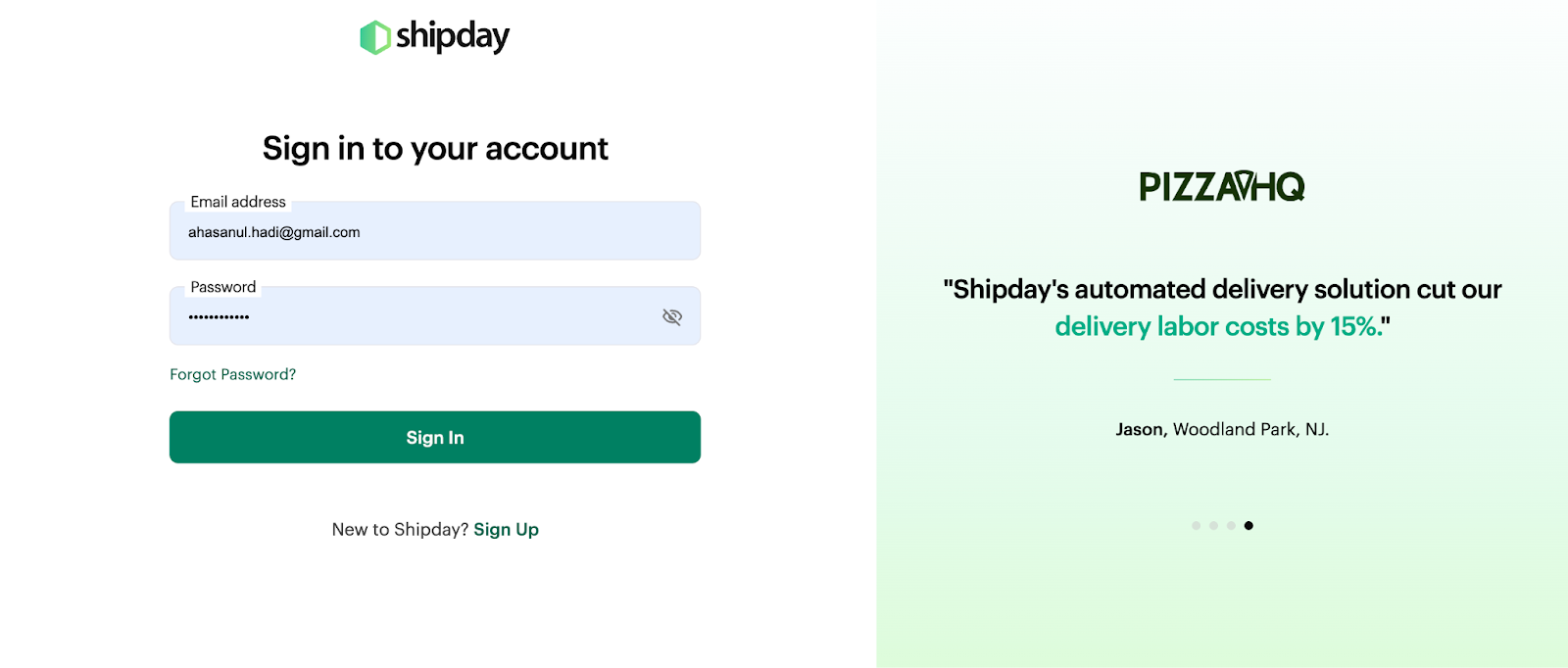
Step 1: Go to https://dispatch.shipday.com/ and login with your credentials
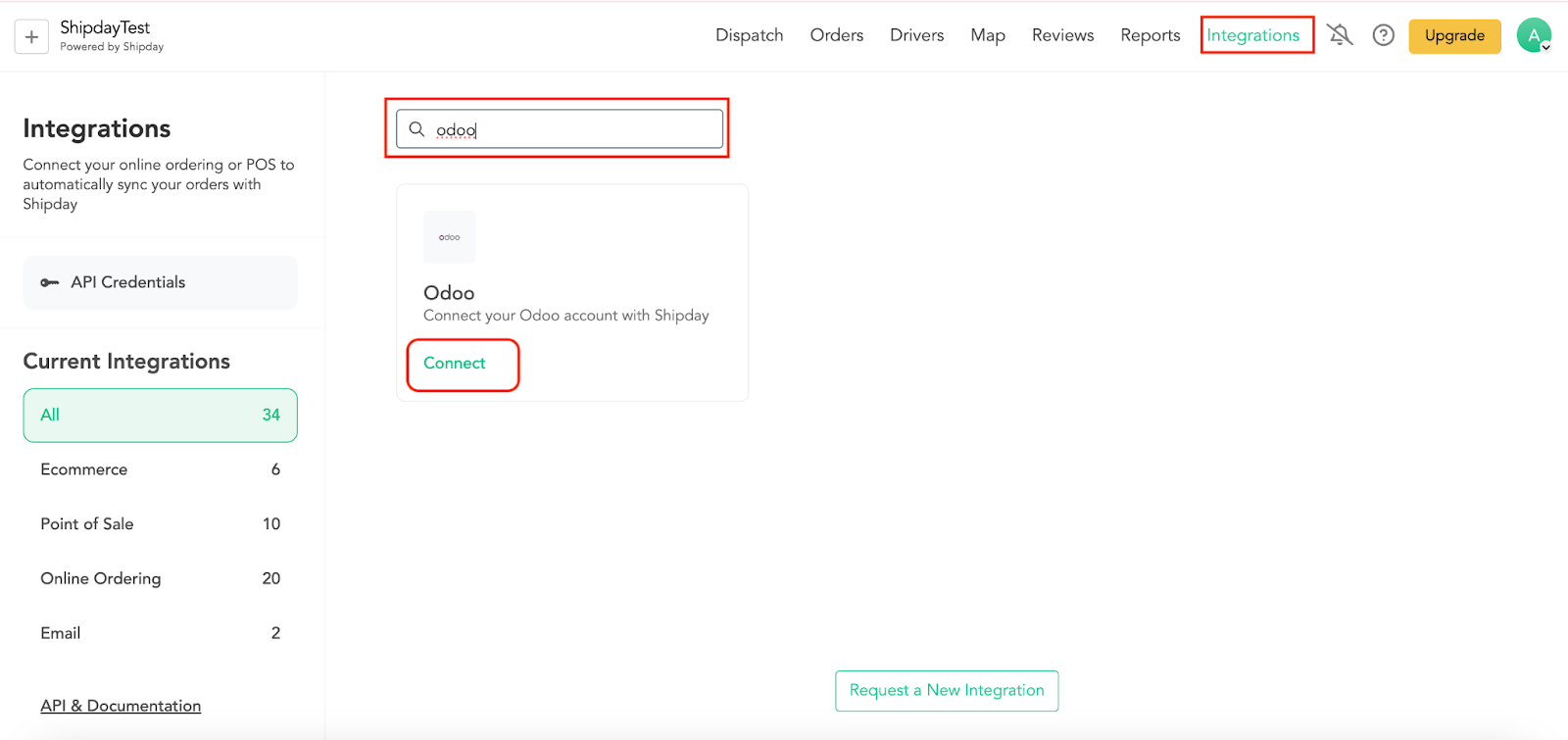
Step 2: Click on the Integrations tab at the right top corner and locate odoo. then click on the Connect button like below-
Step 3: Provide the 4 information collected from your odoo account
Need help? Email support@shipday.com
Ready to get started?
Play around with it first, add your team, pay later.