
Heartland integration with Shipday
-
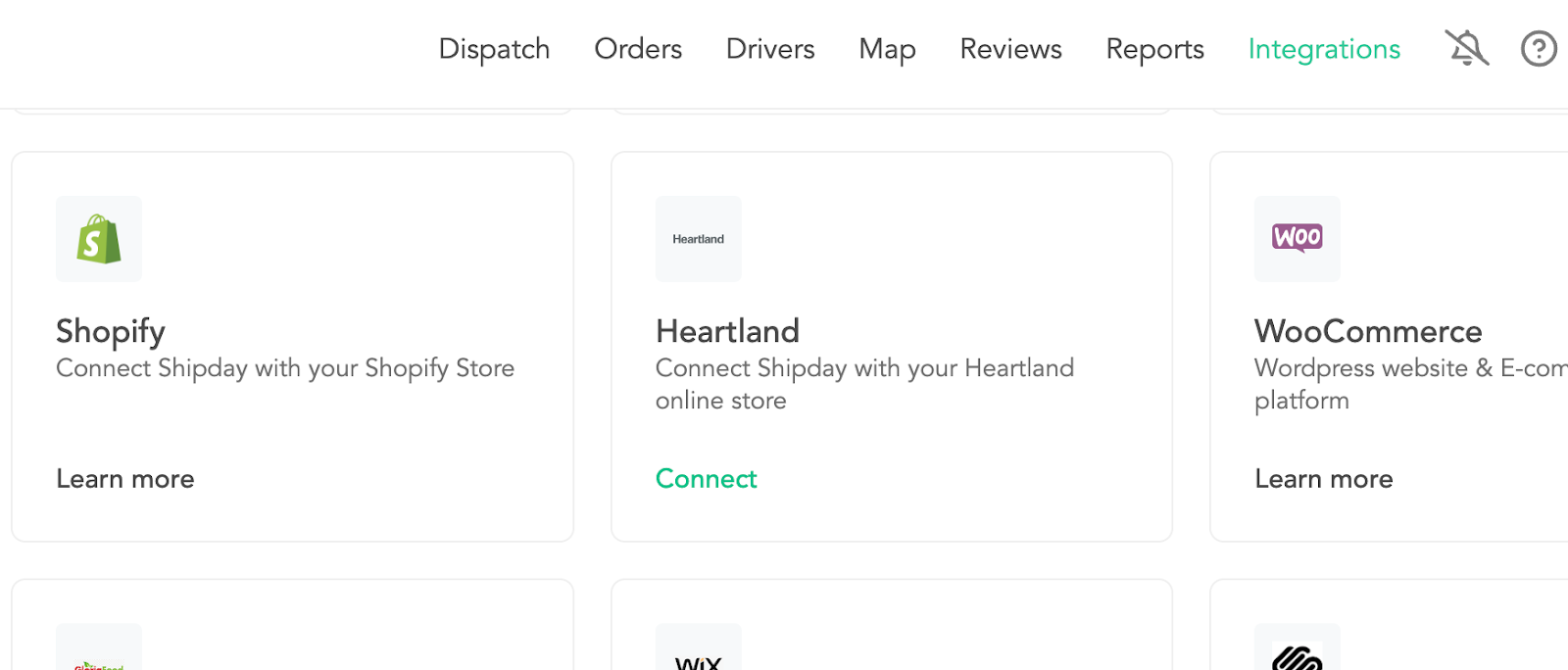
Go to Shipday Dispatch | Integration page
-
Click Heartland
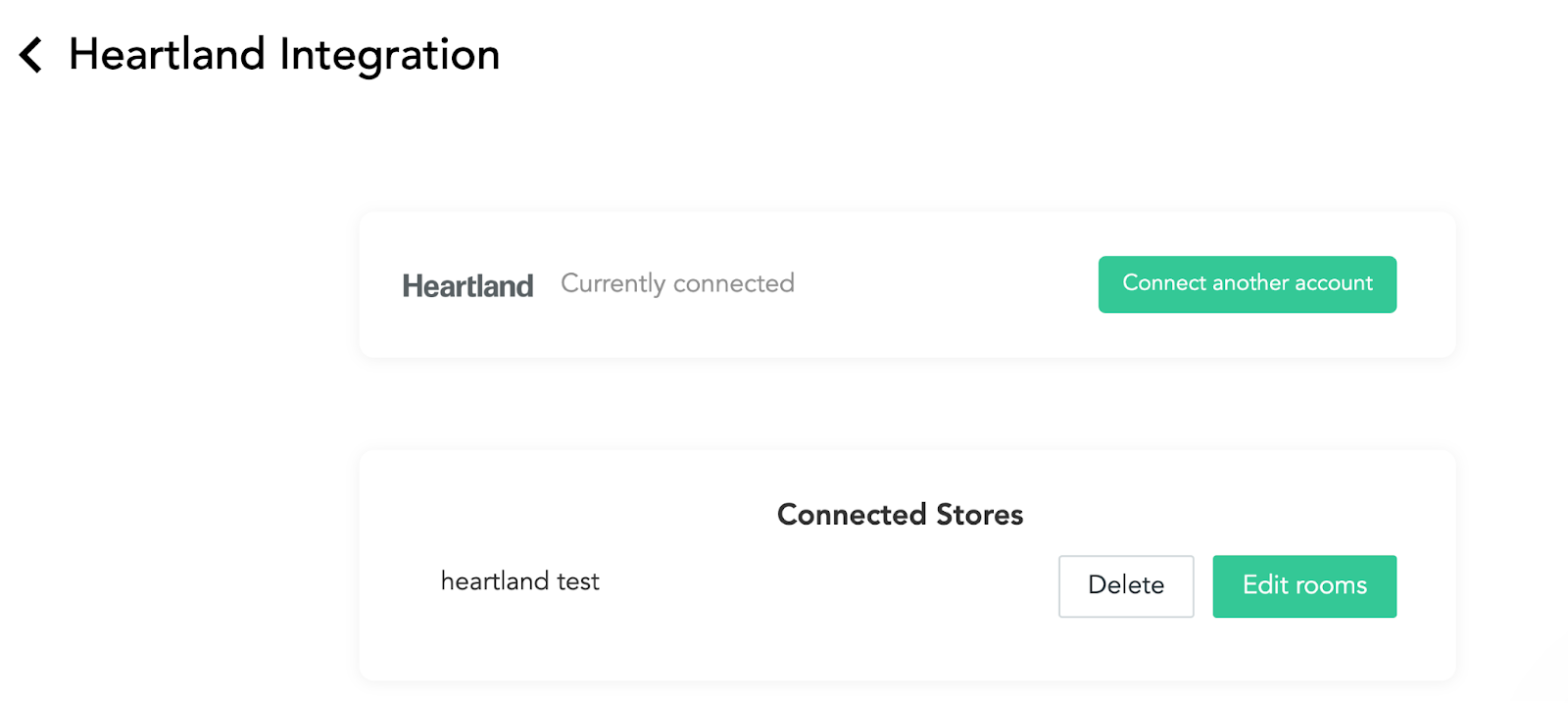
- A List of already connected stores will appear, click
Connect another accountto connect a new one
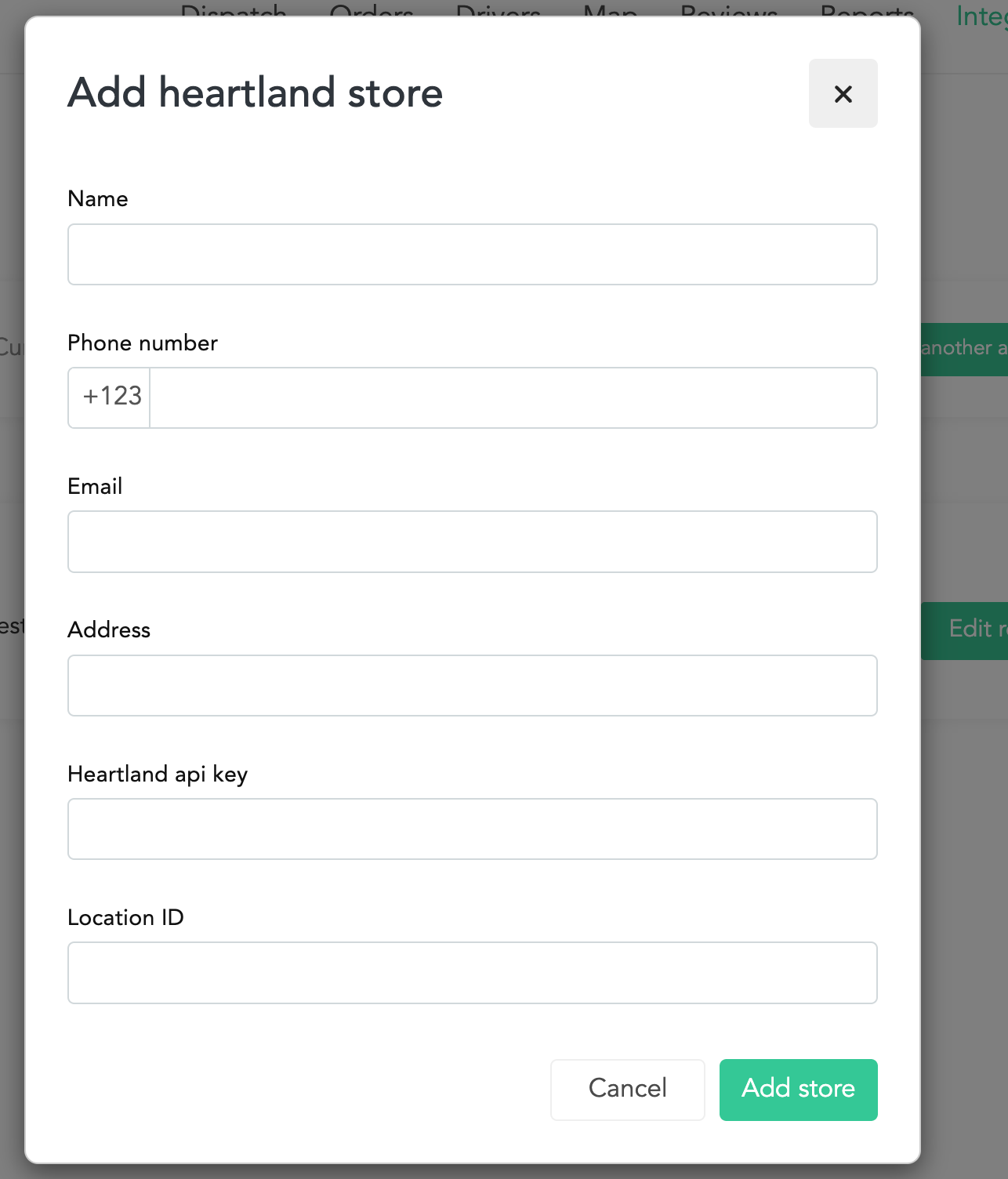
- Populate the form, it will request the restaurant info, and Heartland API-KEY, Location Id. Collect these 2 data from your POS provider.
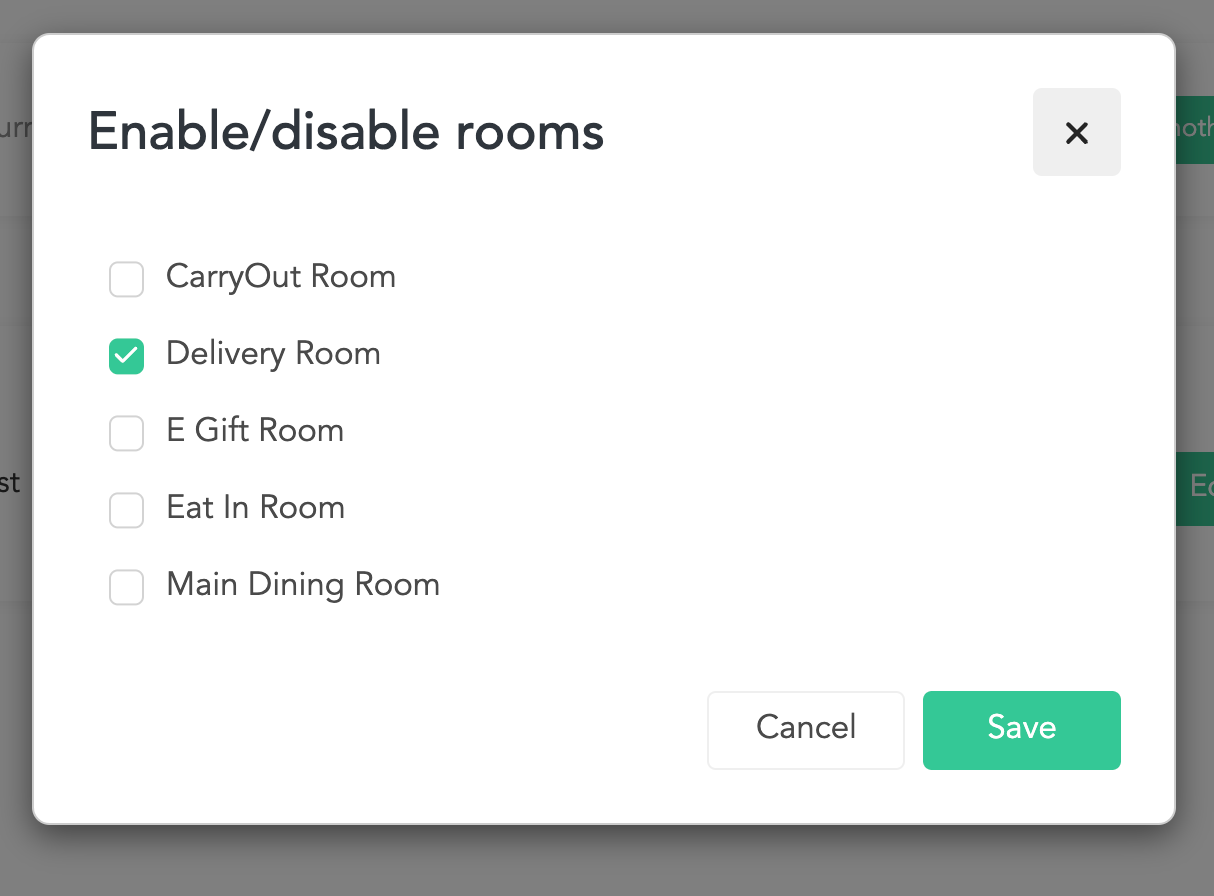
- After adding the store, another pop up will come in with the list of Rooms from POS. check the Rooms you want to accept orders from.
-
Click save.
-
Now your integration is ready, any order placed in the selected rooms wil be imported into Shipday from Heartland POS.
Need help? Email support@shipday.com
Ready to get started?
Play around with it first, add your team, pay later.