
Wix integration with Shipday
How to connect your Shipday account with Wix
-
To add Shipday App to your Wix site, go to the link https://www.wix.com/app-market/local-delivery-with-shipday
-
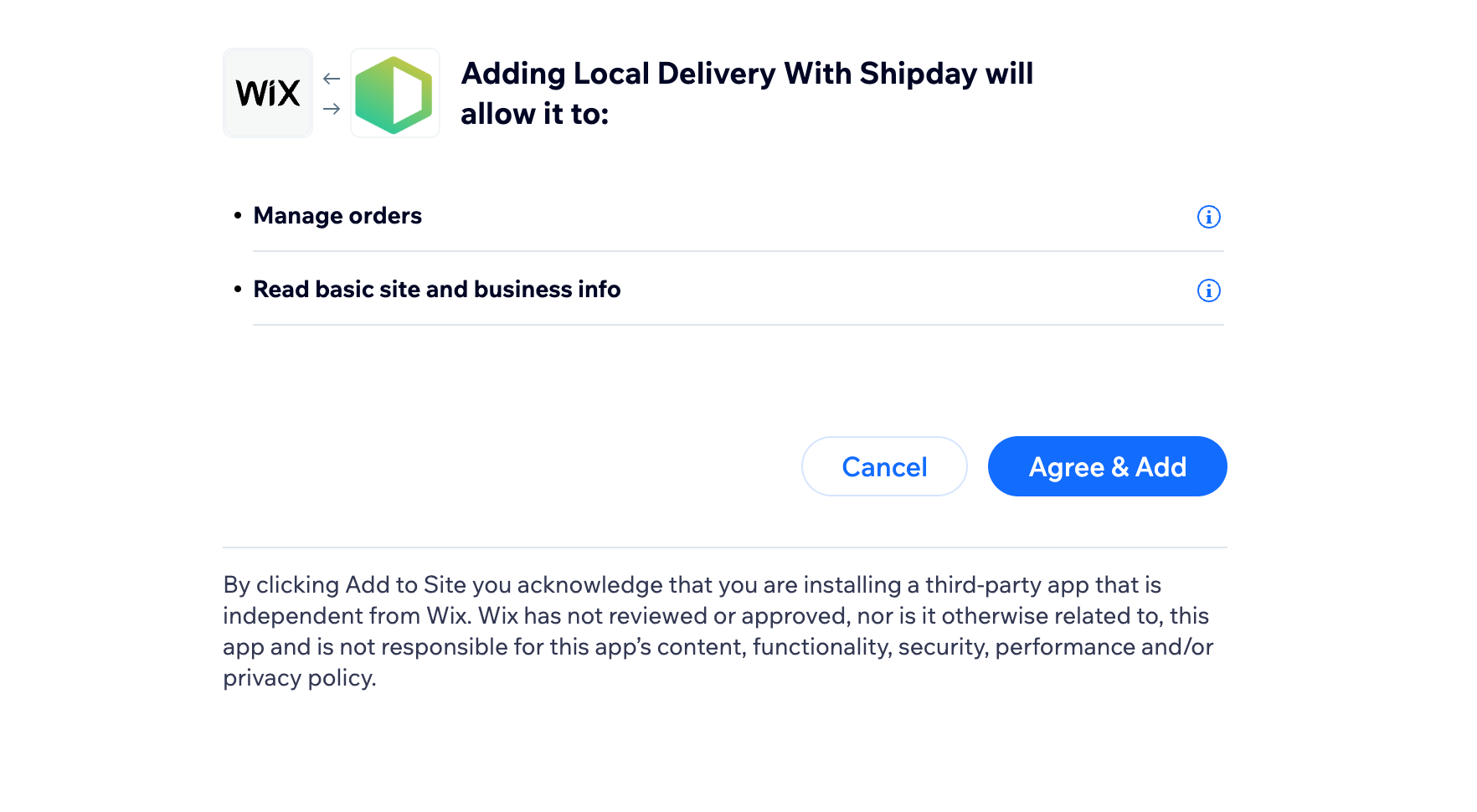
Click on Add to Site. This will take you to permissions page.

- Click Agree & Add button.
- Then you will be redirected to shipday where you need to Sign in / Sign up to complete integration.
Need help? Email support@shipday.com
Ready to get started?
Play around with it first, add your team, pay later.