
Square integration with Shipday
-
Open a free Shipday account here (if you don’t have one)
-
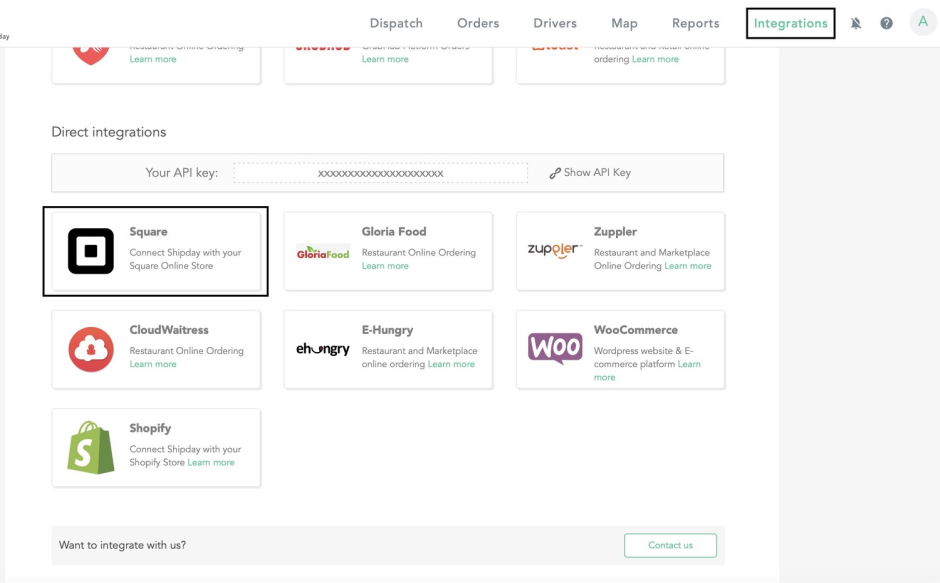
Once you sign in, please go to the integration tab. You will see the
Squarelogo. Click on it.
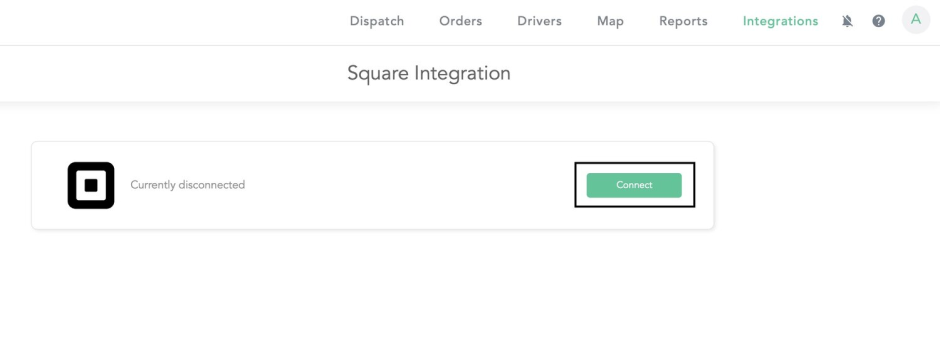
- Then click on the
connectbutton.
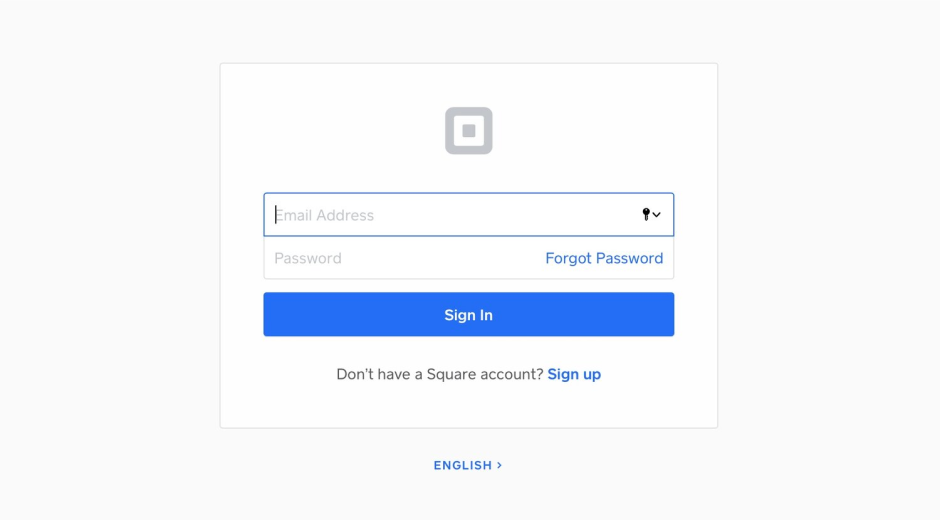
- Please login using your Square credentials to connect your Shipday account to your Square account.
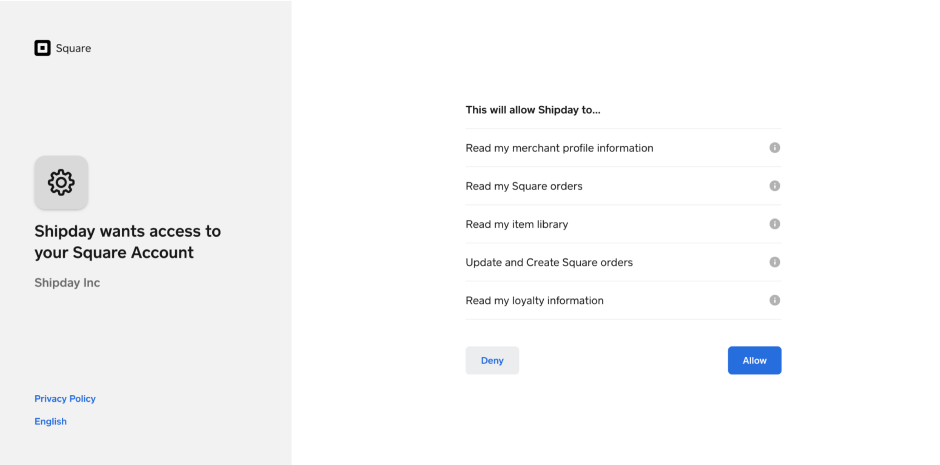
- Once you sign in, click
Allowto complete the integration.
Check this video on how to add local delivery services to your Square site
Need help? Email support@shipday.com
Ready to get started?
Play around with it first, add your team, pay later.