
Automated local delivery and pickup
Connect Shipday to your Shopify store to auto-dispatch every local delivery and pickup order the moment it is placed at checkout. Track your drivers in real time, send customers live SMS updates, and offer DoorDash or Uber as backup, all with no code.

Trusted by 6,000+ local businesses worldwide including hundreds of Shopify stores
 4.4Shopify App Store rating
Works with





What this integration does
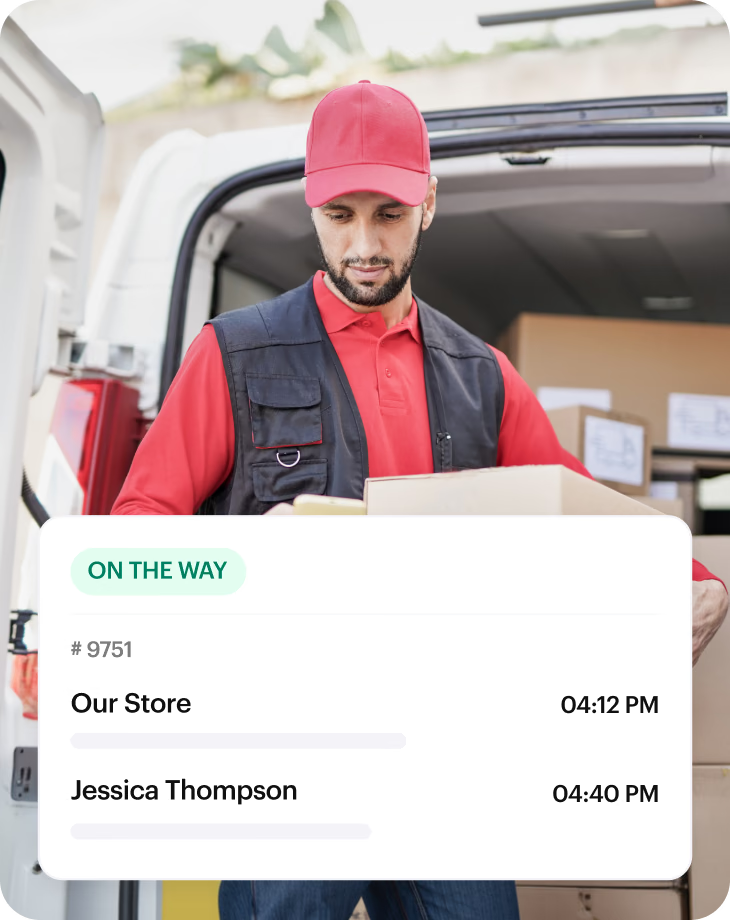
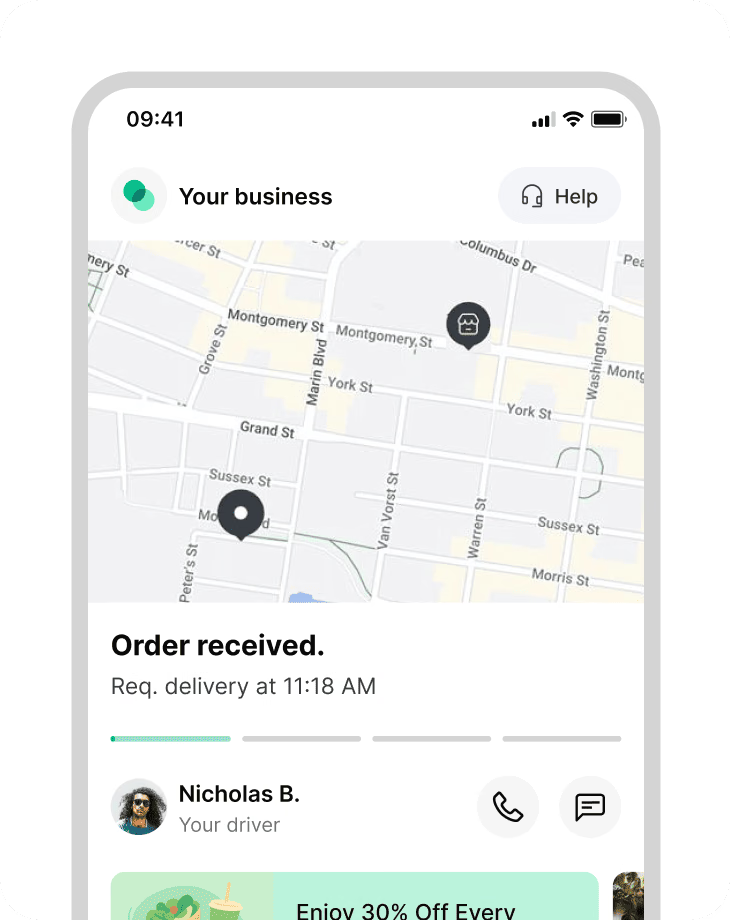
The Shipday Shopify integration automatically pushes delivery and pickup orders into your dispatch dashboard the moment a customer checks out — no manual entry. Assign jobs to your drivers, who get optimized routes in the Shipday mobile app. Customers get live Google Maps tracking and SMS updates from dispatch to drop-off.
Who this integration is perfect for
The Shipday Shopify integration is built for local delivery businesses that sell on Shopify and fulfill orders with their own drivers, instead of shipping by carrier. Perfect for everyone from local ecommerce stores to flower shops.
Florists
Same-day delivery with tight time windows and fragile orders.
Bakeries & meal-prep brands
Scheduled delivery routes on set days.
Local grocers & specialty food
Same-day or next-day local delivery.
Restaurants & ghost kitchens
Direct delivery orders through Shopify, not marketplaces.
Liquor & beverage retailers
Photo or signature proof of delivery.
Multi-location retail brands
Pickup store, date, and time chosen at checkout.
Everything you need to run local delivery from Shopify
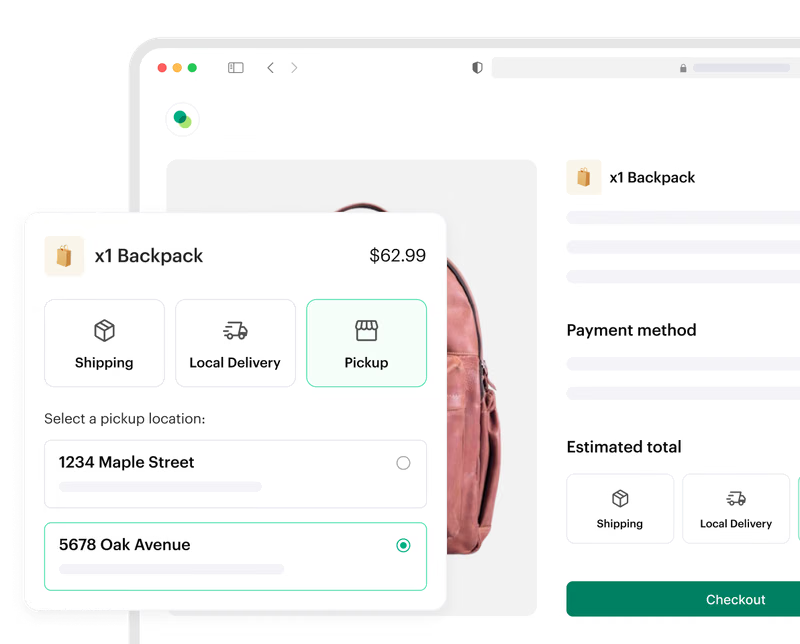
Capture pickup orders with a location, date, and time
Customers choose a pickup store, date, and slot at checkout, and every pickup routes into one queue.
Capture local delivery orders at checkout
Customers select local delivery with a date and time, and the order lands in Shipday ready to dispatch.
Track every delivery live on Google Maps
See where each driver is and how long until each drop-off, all from one dashboard.
Keep customers updated by SMS
Automatic SMS with a live ETA and a tracking link, from dispatch to delivery.
Offer DoorDash or Uber as backup
Route overflow orders to DoorDash Drive or Uber without leaving Shipday.
Connect more delivery networks
Your own drivers plus Uber, DoorDash, Roadie, and Stuart from a single screen.
How to integrate Shipday with Shopify
Most stores connect in a few minutes. Five steps, no developer required.
Step 1
Create your free Shipday account
Sign up for a free Shipday account. No credit card required.
Create account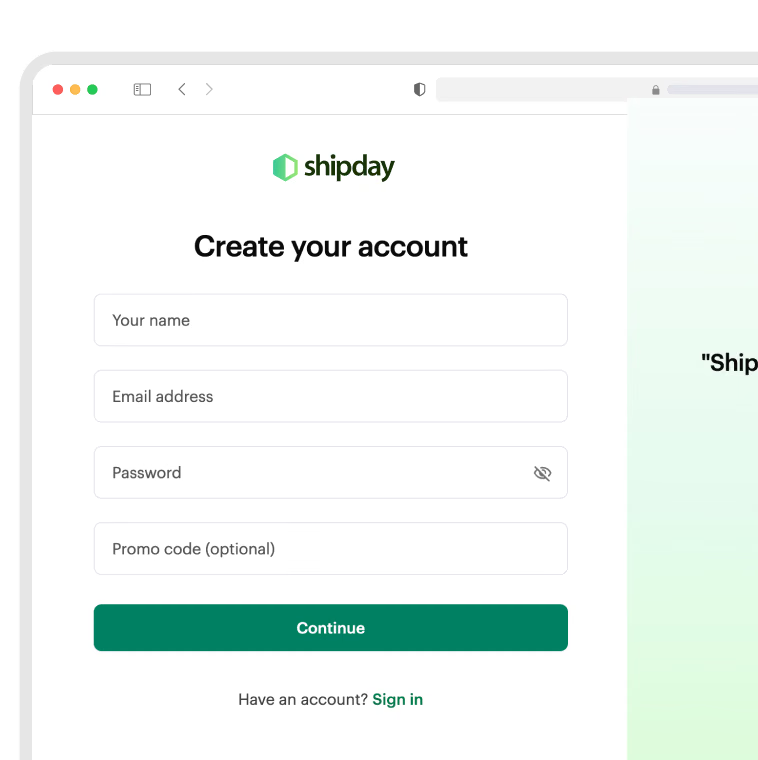
Step 2
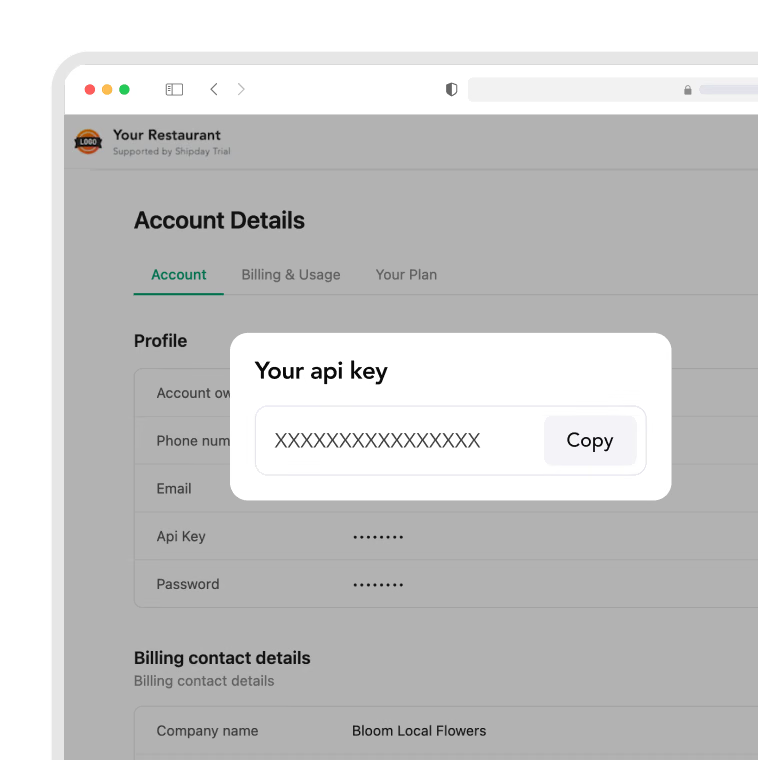
Copy your Shipday API key
In Shipday, go to My Account and copy your API key.
Step 3
Install the Shipday app on Shopify
Open the Shipday app on the Shopify App Store and add it to your store.
Install on Shopify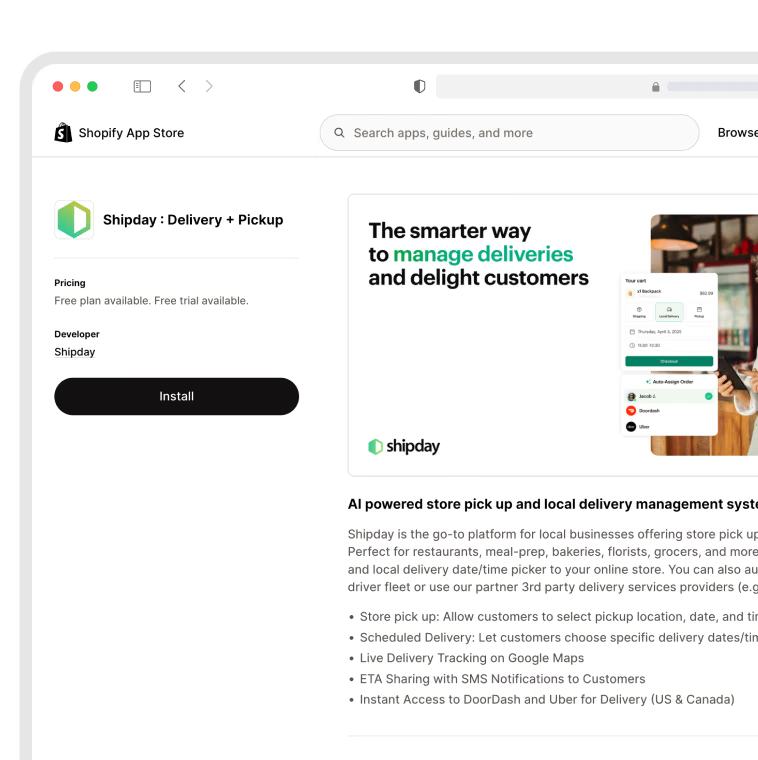
Step 4
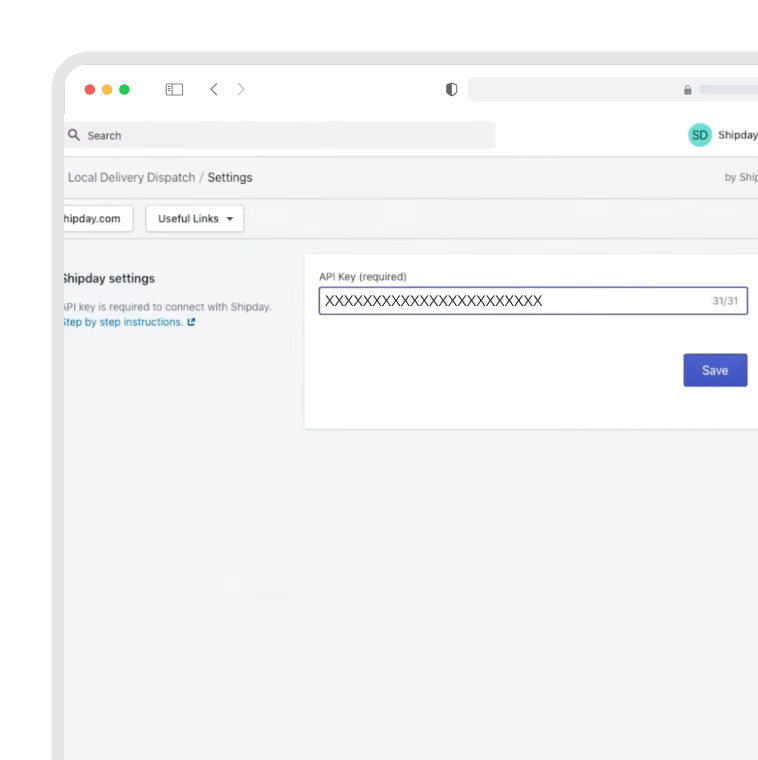
Connect with your API key
Paste your API key into the Shipday app inside Shopify and click Save.
Step 5
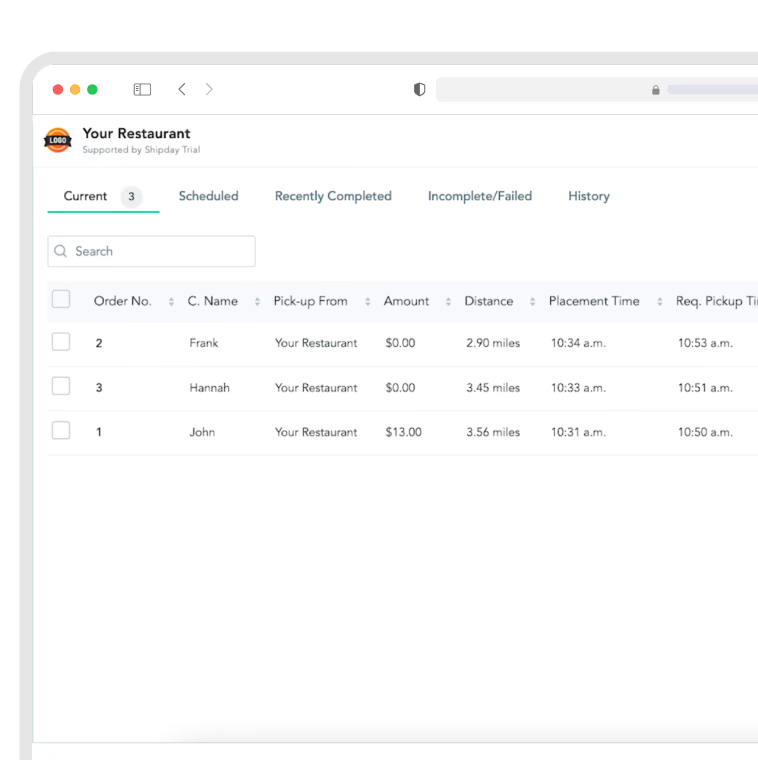
Place a test order
Place a test local delivery order in Shopify and confirm it appears in your Shipday dispatch dashboard.
Ready to get started?
Play around with it first, add your team, pay later.