
Lightspeed K-Series integration with Shipday
LightSpeed K-Series Connection Guideline
-
Go to Shipda Dispatch dashboard
-
Go to integration->Lightspeed k. Click connect
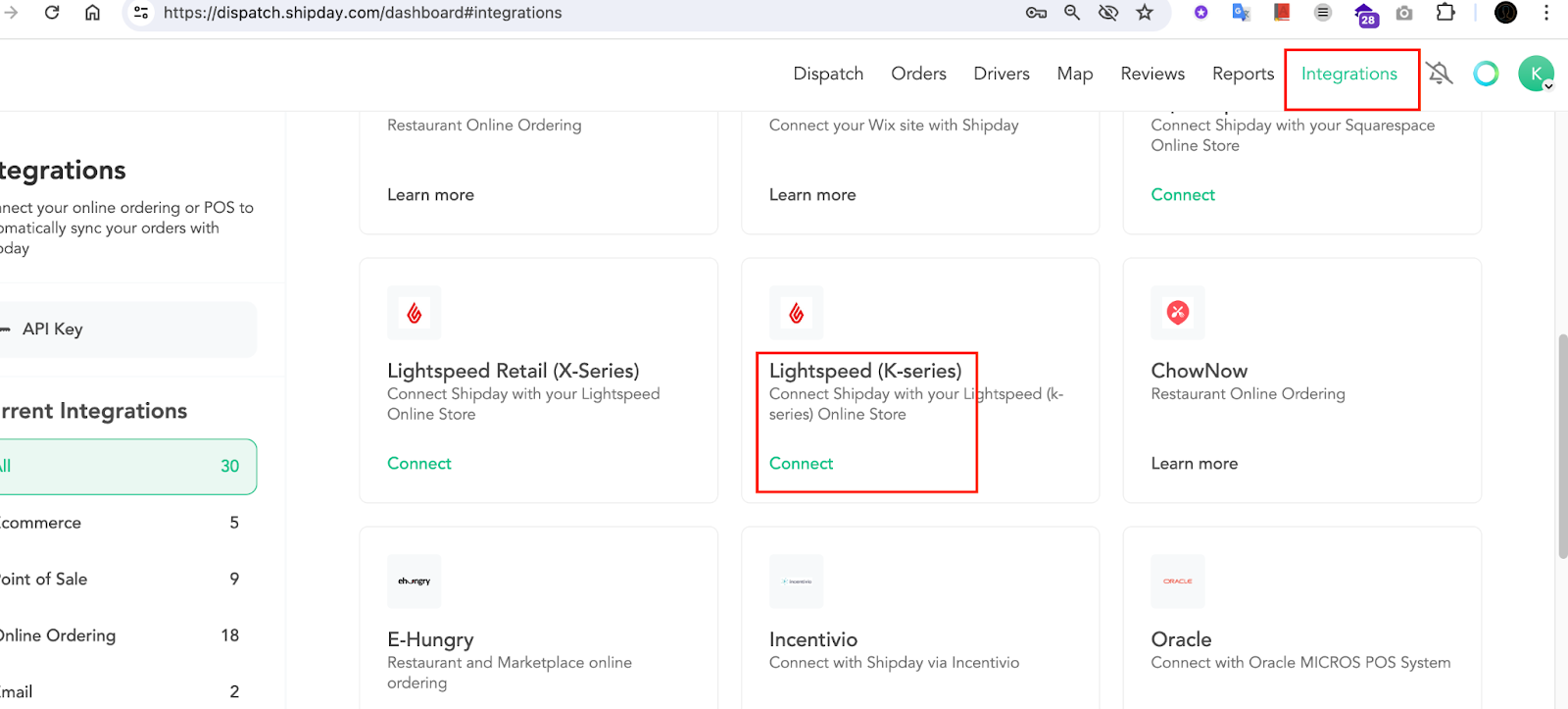
- Click Connect for Light Speed
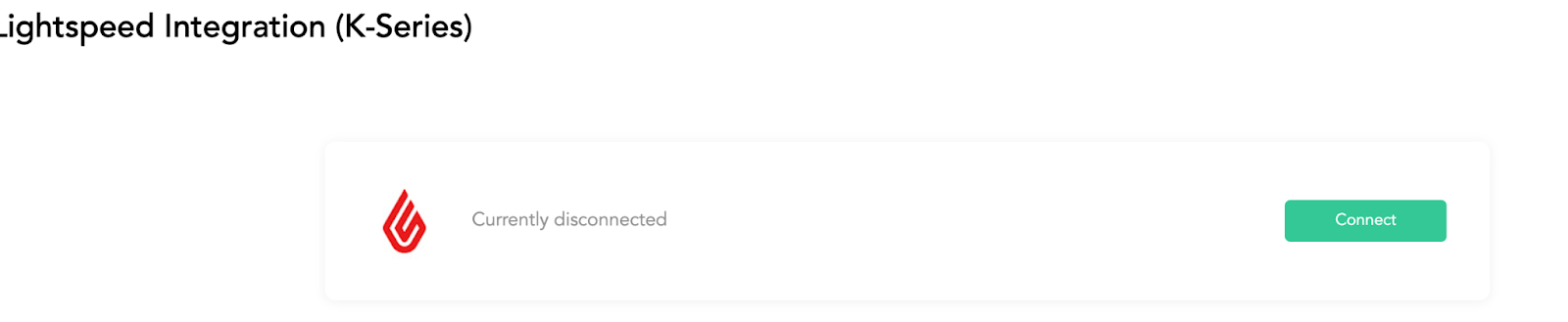
-
Now, it will redirect you to the Lightspeed k-series and ask for approval. Give the approvals.
-
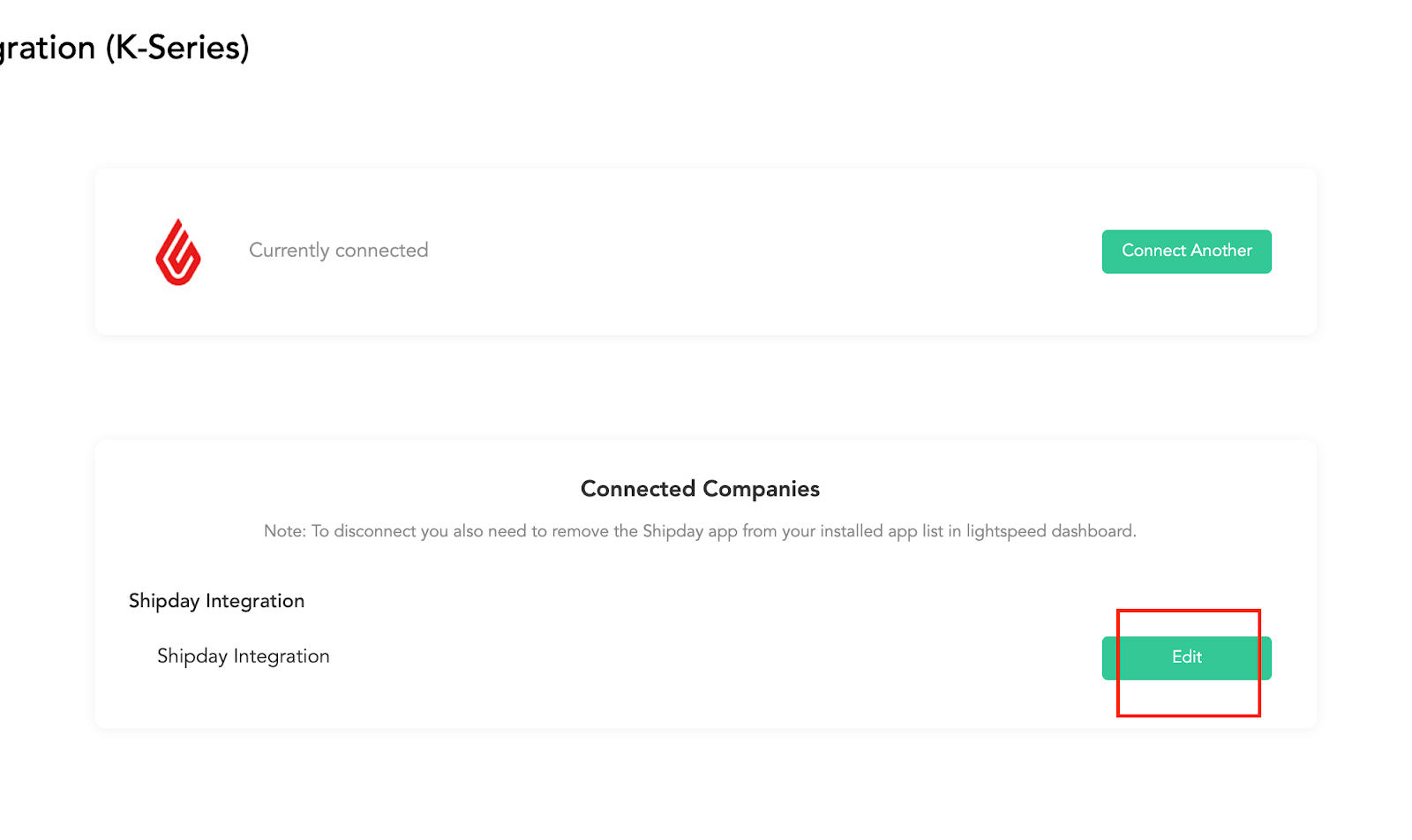
Click Edit for each location
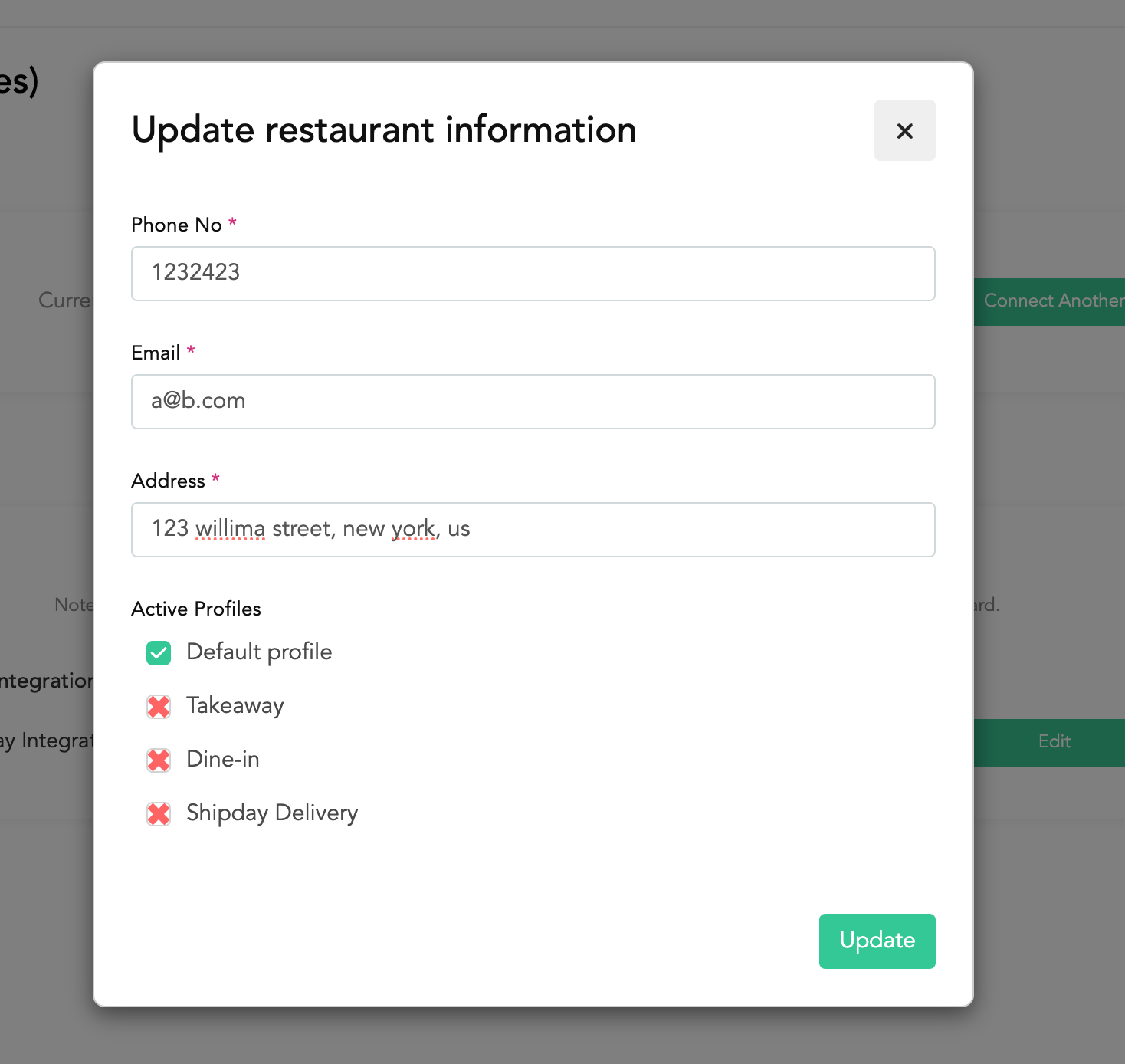
- Fillup the fields in the popup modal. And click
Update.
- Now, collect the Business Id, and Business Location Id from the integration page
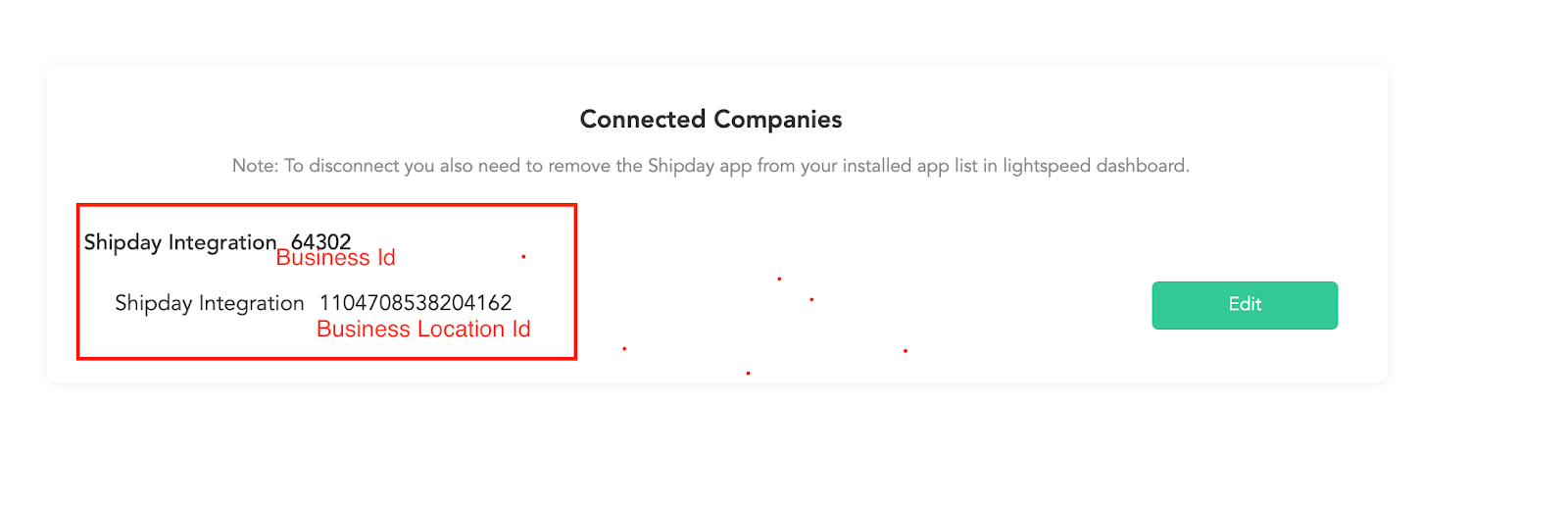
- Prepare a mail and send to the mentioned address, with this lightspeed team will activate webhook for orders:
Mail address: k-series.support@lightspeedhq.com
Sub: activate RTN
Hi K-Series Support,
Please add the following RTN:
https://integration.shipday.com/lightspeed_k/order
To this Lightspeed K-Series merchant:
-
Name of integration: Shipday x K-Series
-
Business Name: MAKI HOUSE SRL
-
Business ID: {{business_id}}
-
Business Location ID: {{business_location_id}}
-
Description of the request: Real-Time Notification Setup
Thanks
Need help? Email support@shipday.com
Ready to get started?
Play around with it first, add your team, pay later.