
Last App integration with Shipday
Step 1.1: Login to your Shipday Dispatch account
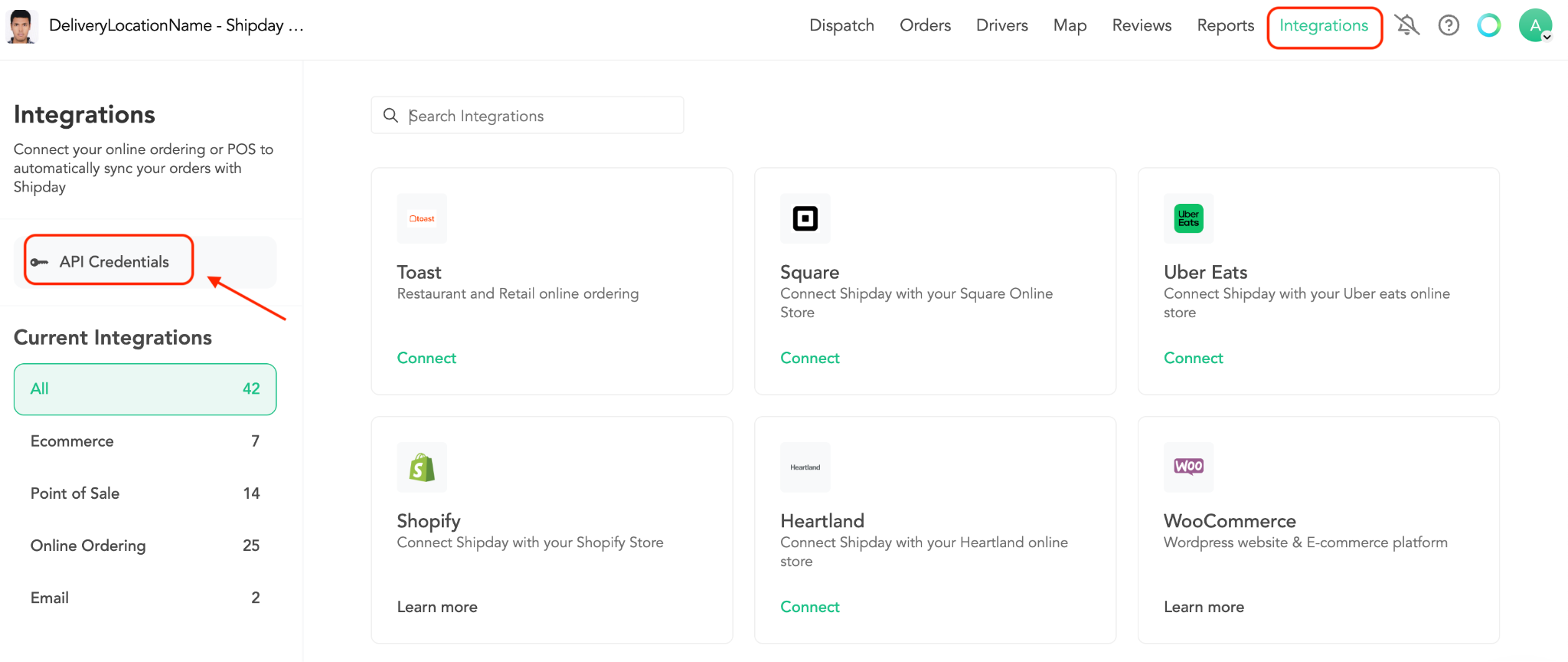
Step 1.2: Go to the Integrations section from menu and Click on the API Credentials like below -
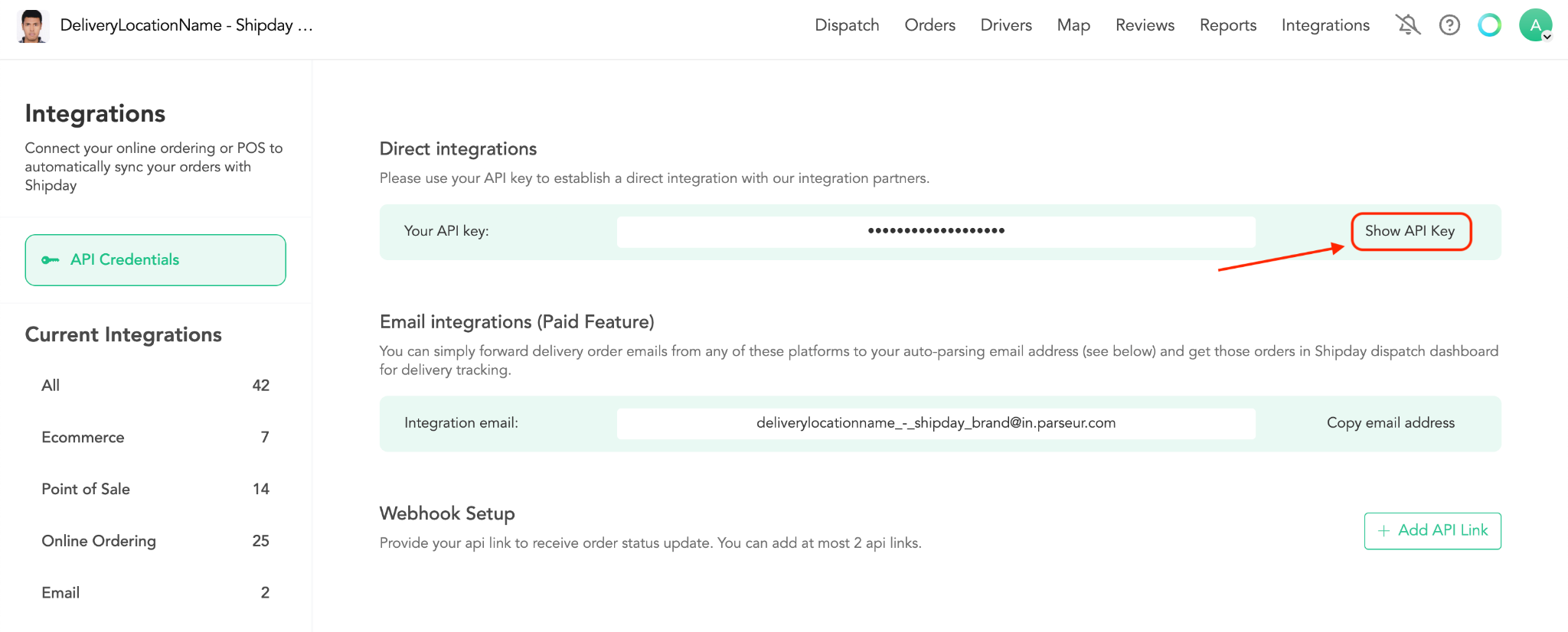
Step 1.3: Click on the Show API Key button and it will display your API key.
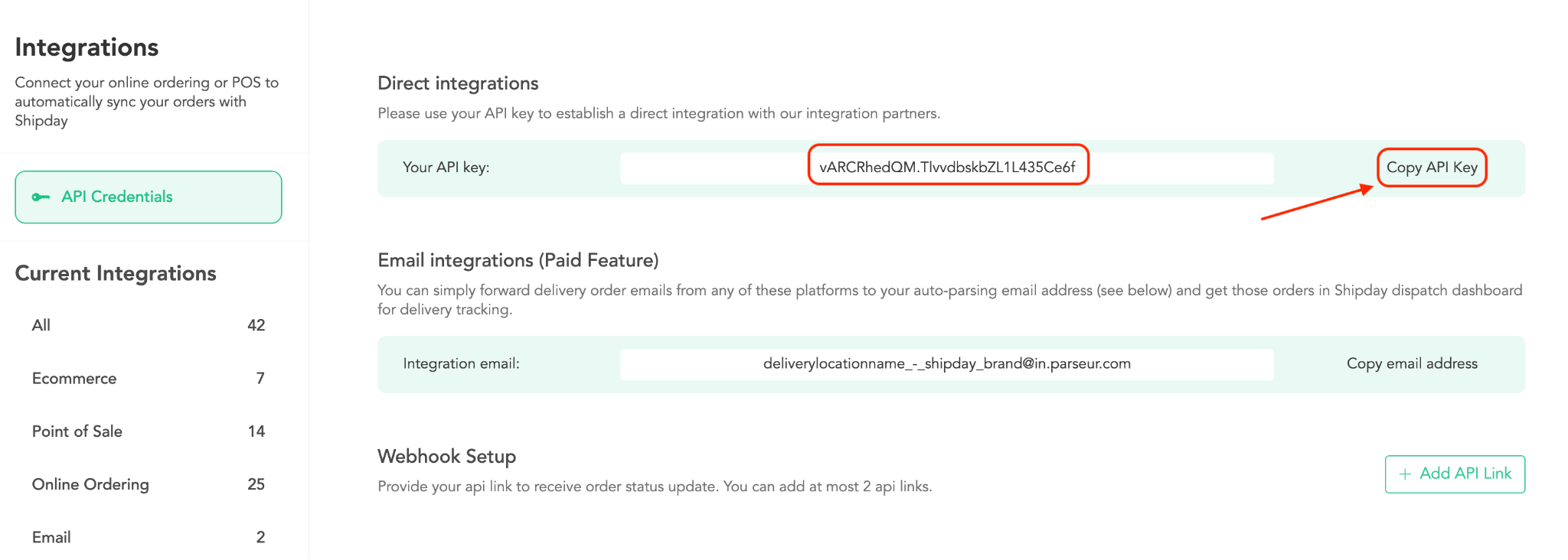
Step 1.4: Copy you Shipday API Key
Step 1.5: Contact your Last App representative and give your Shipday API Key. Tell him to integrate with Shipday and they will integrate your account with Shipday. After the integration your Last.App orders will automatically appear at Shipday
Need help? Email support@shipday.com
Ready to get started?
Play around with it first, add your team, pay later.